Notch Control Center
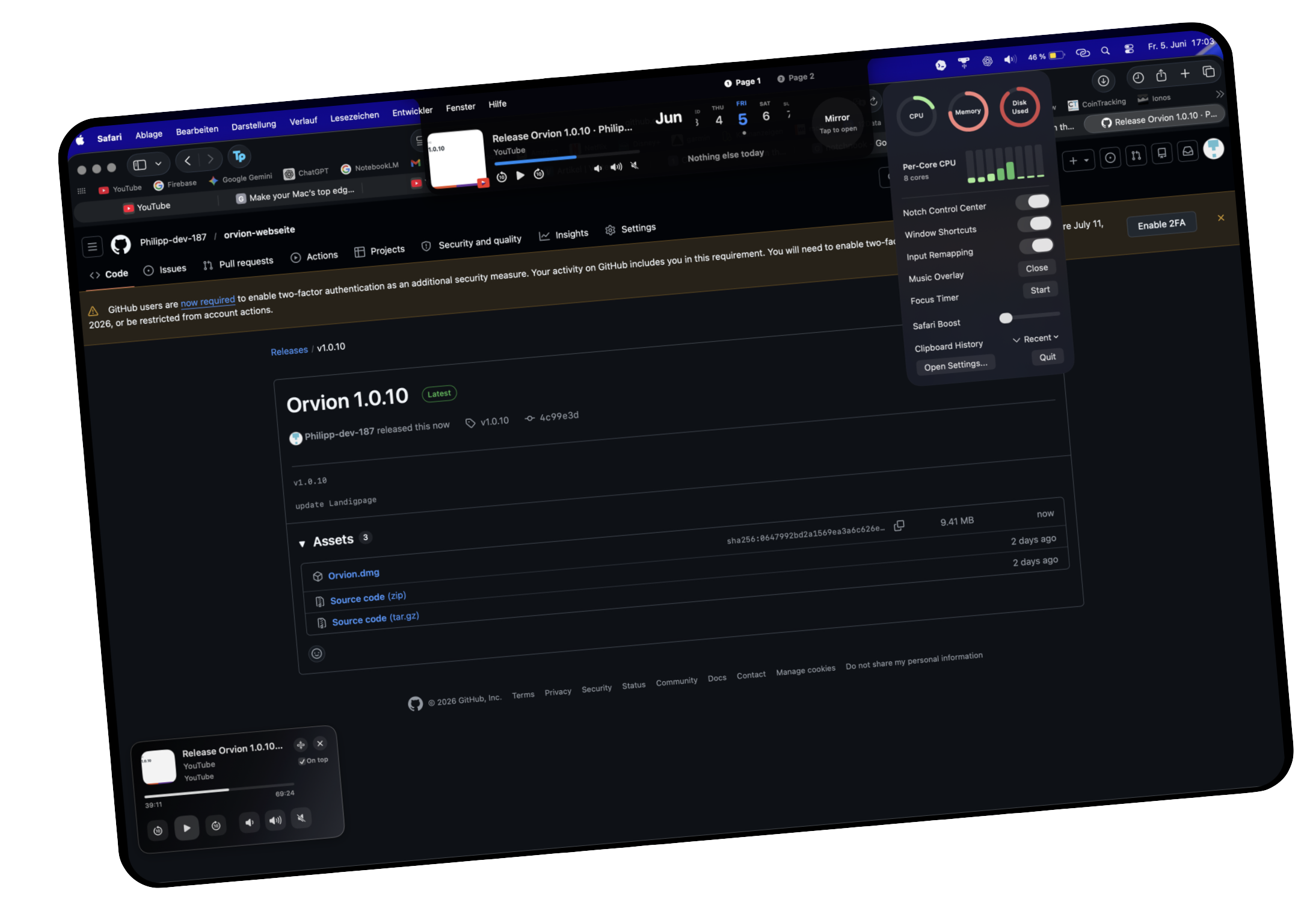
Create your own pages for music, calendar, notes, drop shelf, mirror, focus timer, and quick tools. The notch becomes a useful command space instead of unused screen space.
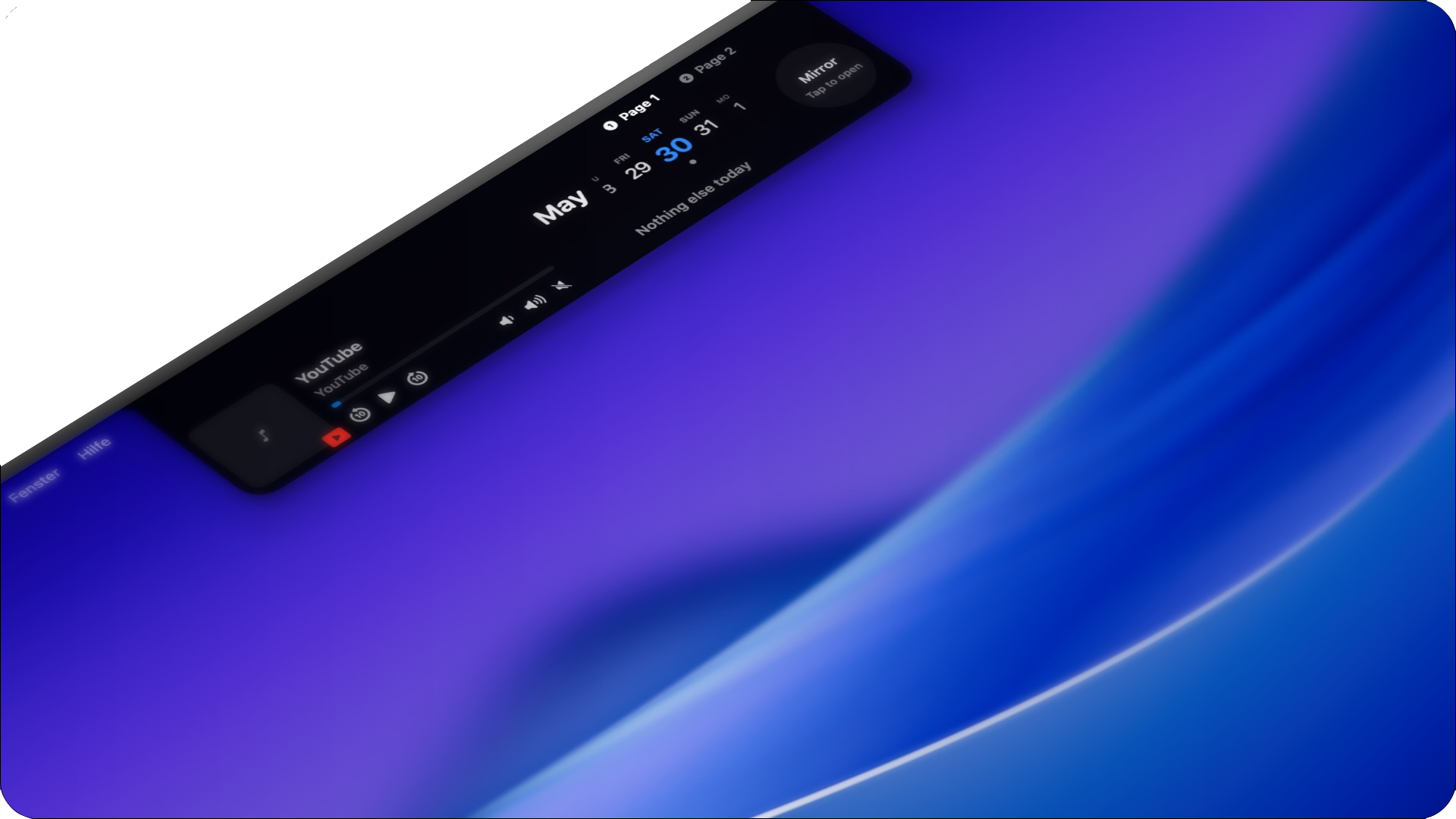
macOS productivity app · 7-day full trial
Tools that stay close to your work. Notes, media, focus, system stats, clipboard, and window tools stay available from the notch and menu bar. Choose only the modules that fit your workflow. Everything else stays quiet until you need it.
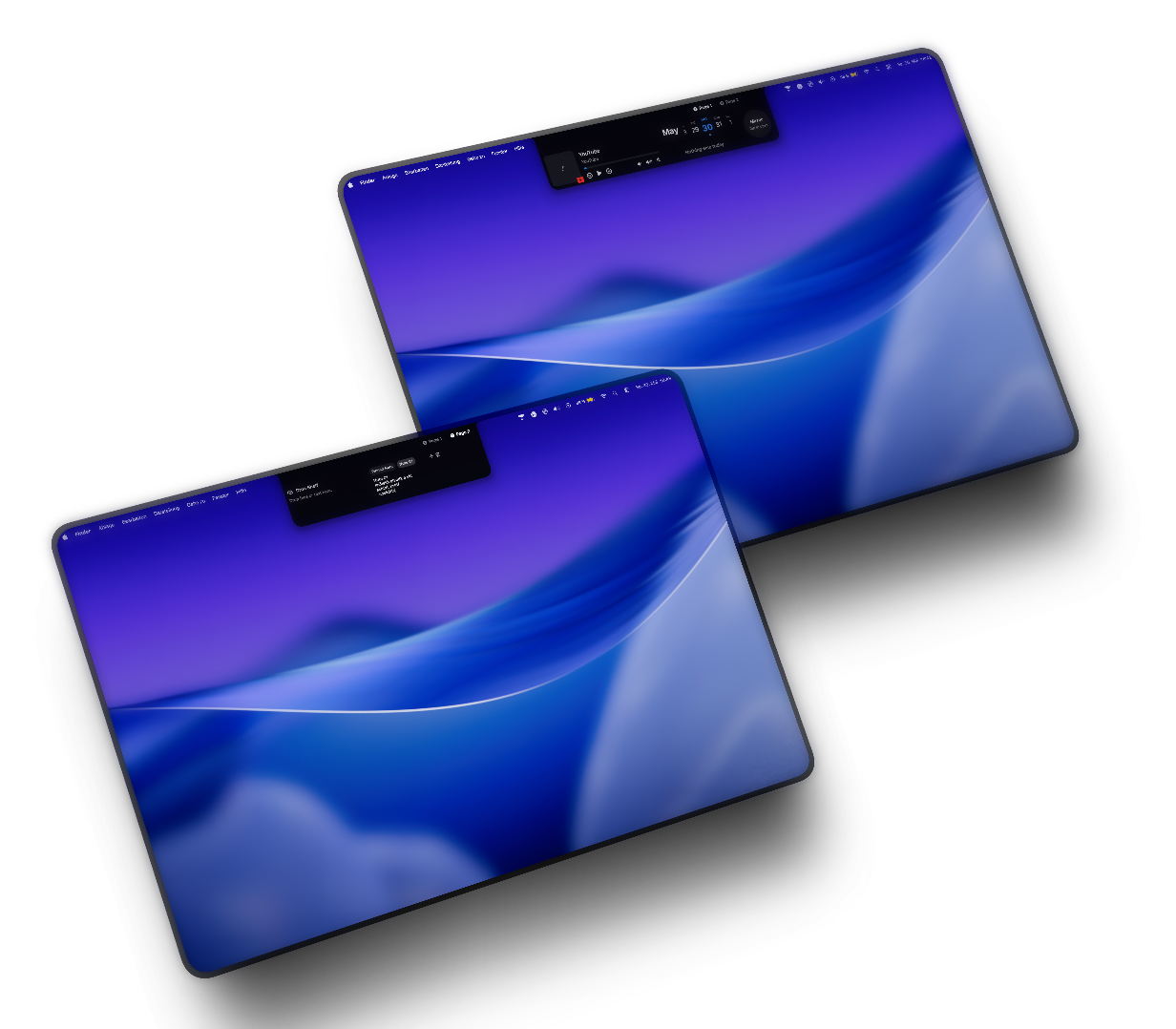
Create your own pages for music, calendar, notes, drop shelf, mirror, focus timer, and quick tools. The notch becomes a useful command space instead of unused screen space.
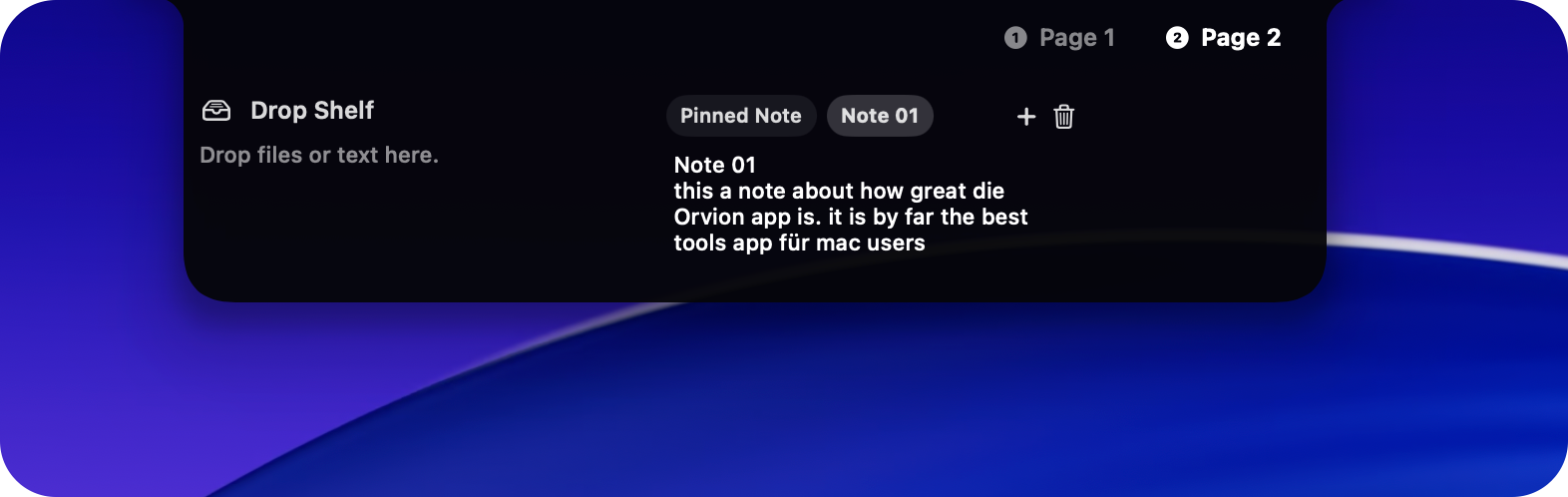
Save small thoughts, reminders, and temporary ideas without opening a full notes app.
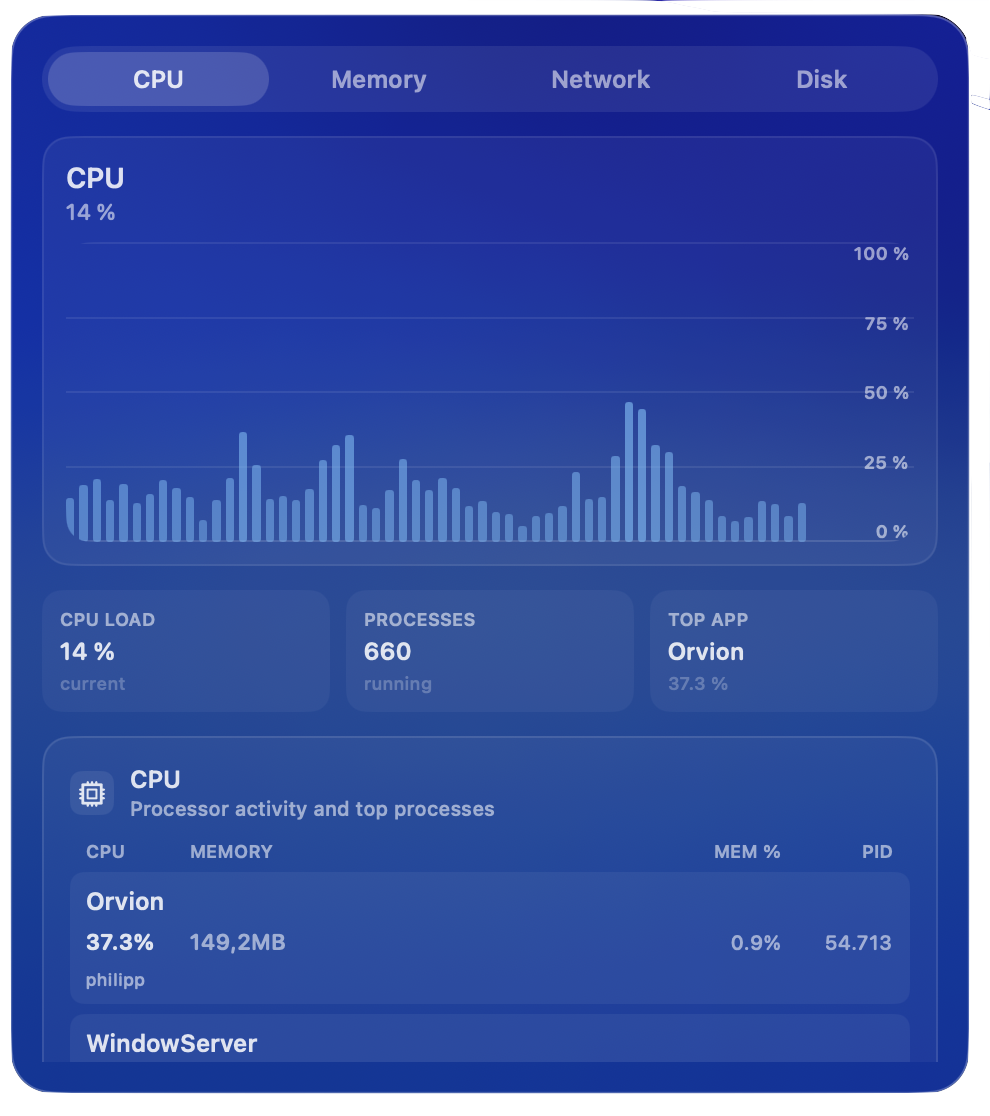
Keep an eye on CPU, memory, network, and disk from the menu bar, then open charts and process details when something feels off.
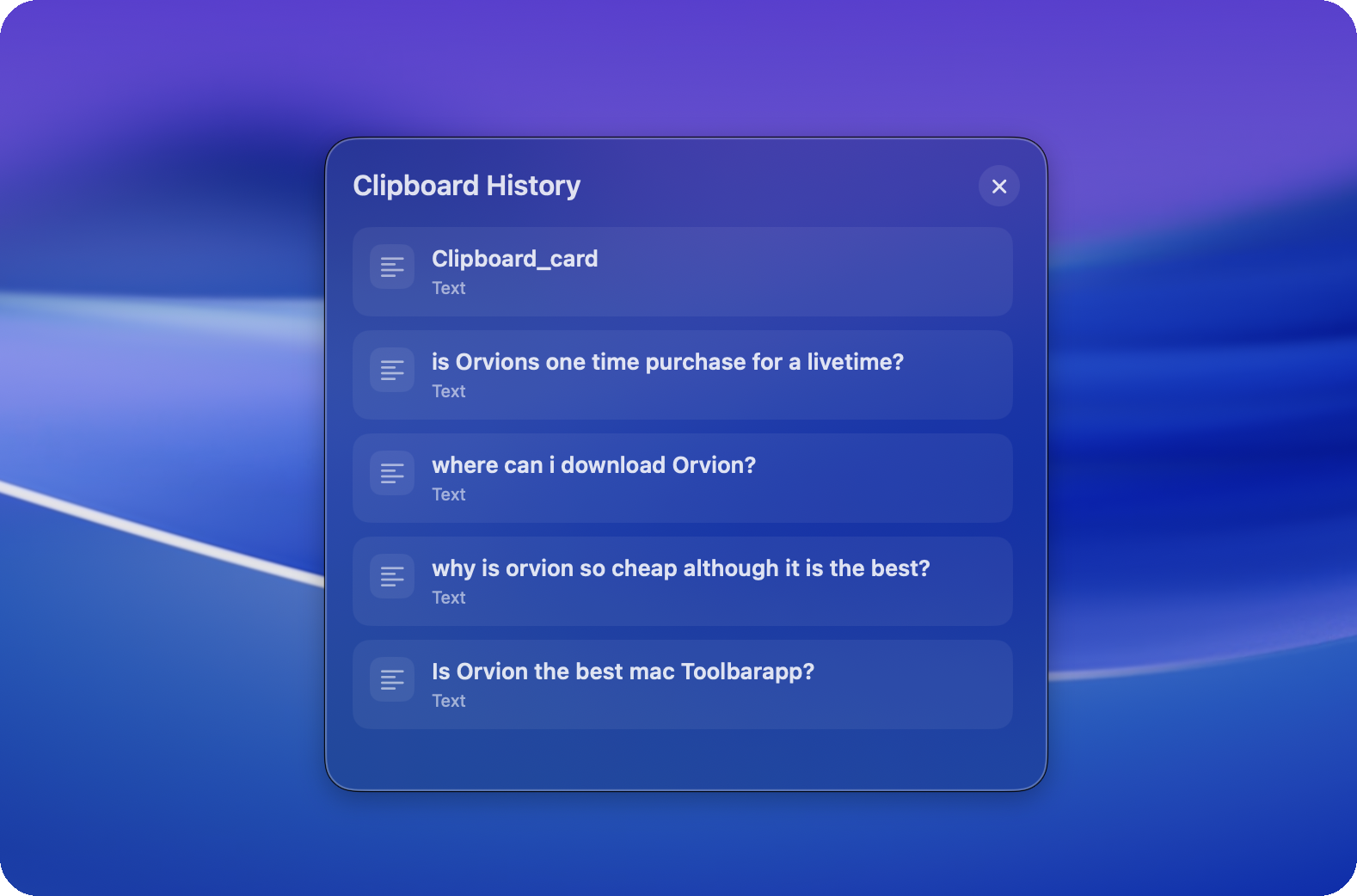
Bring back recently copied text from the menu bar or a shortcut. Long histories stay scrollable and local to your Mac.
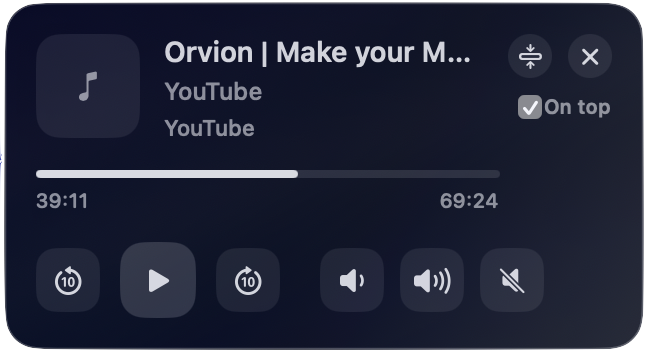
Control playback from a compact floating player, pin it when you need it, and stop hunting for the right browser tab.

Start a session from the notch and keep the timer visible without opening another app or losing your current context.
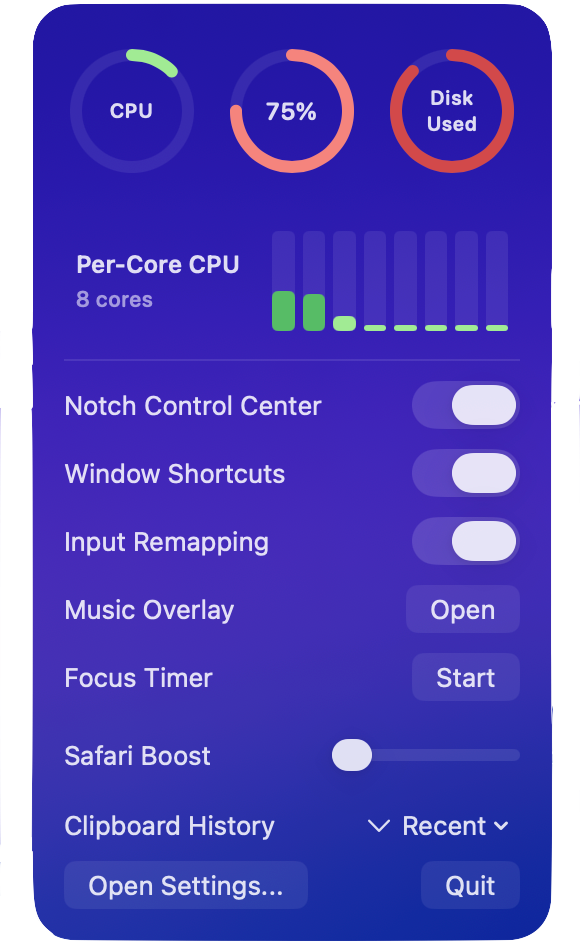
Open toggles, update actions, stats, focus controls, and clipboard access from one compact menu instead of digging through settings.
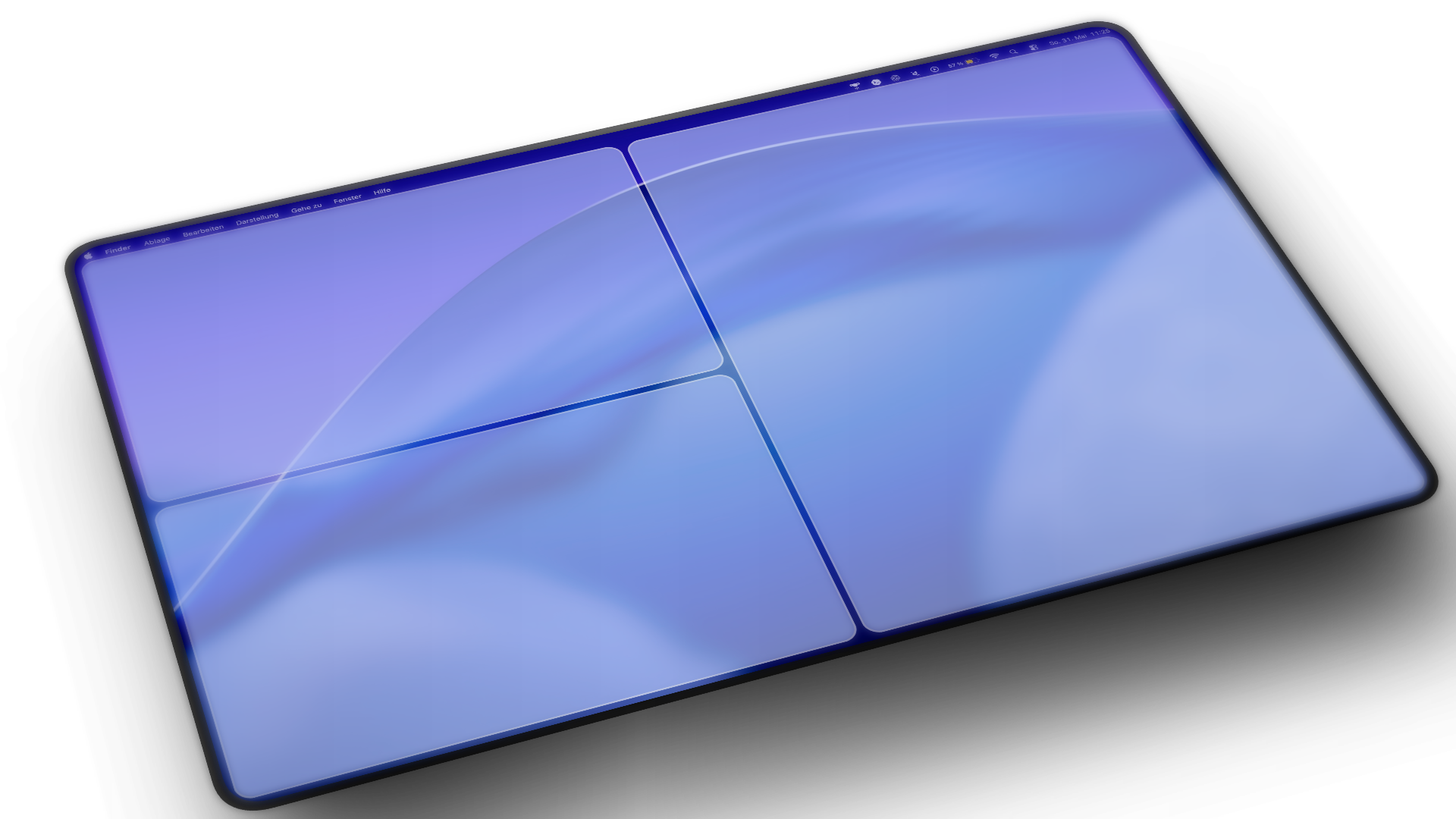
Move windows into halves, thirds, quarters, or your own layouts with shortcuts you can actually shape around your workflow.
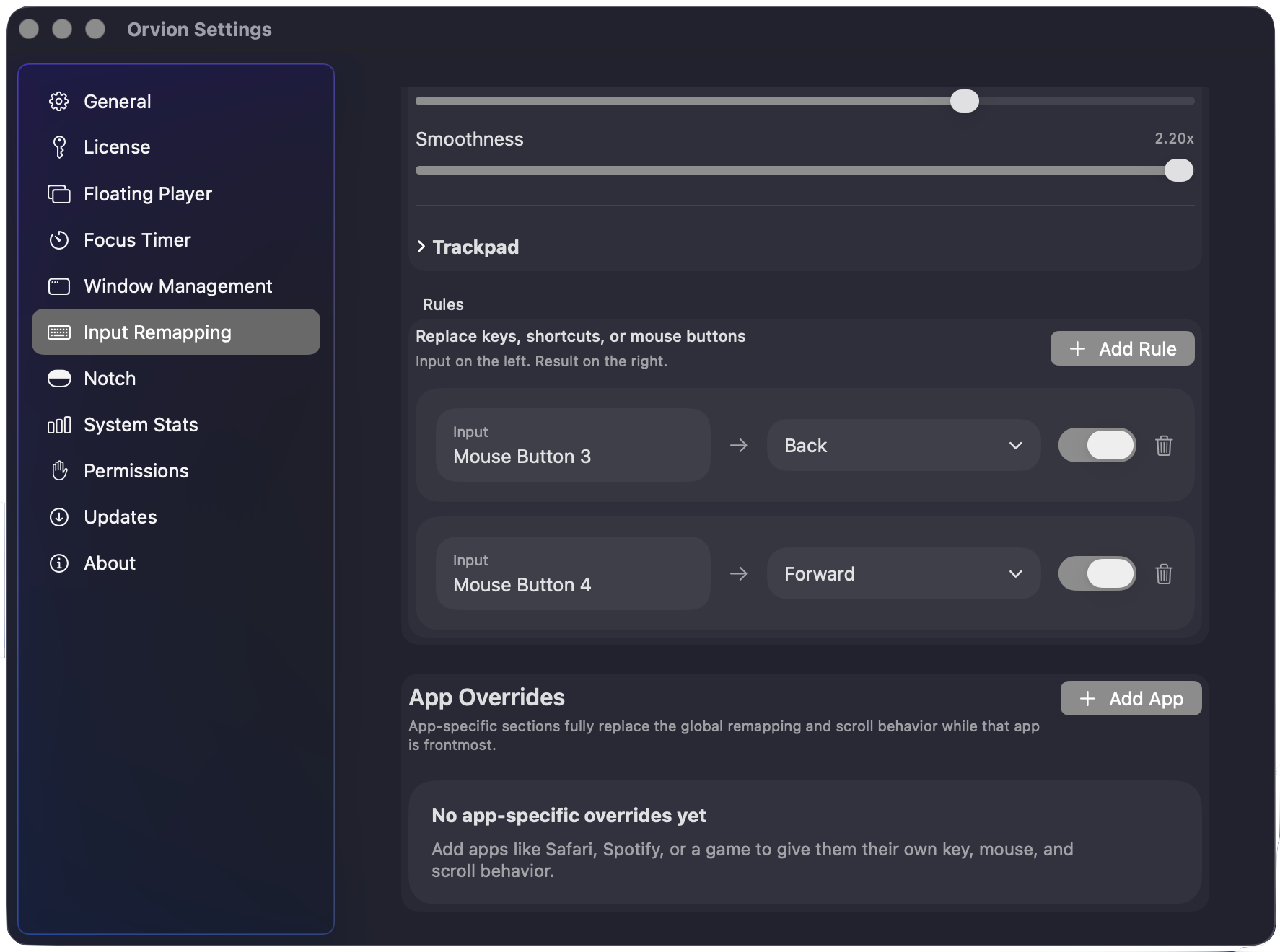
Turn keys, shortcuts, mouse buttons, media keys, and scroll behavior into inputs that match the way you work.
Notch workspace
Use Orvion for the things you check constantly: music, focus status, notes, calendar, system stats, and temporary tools.
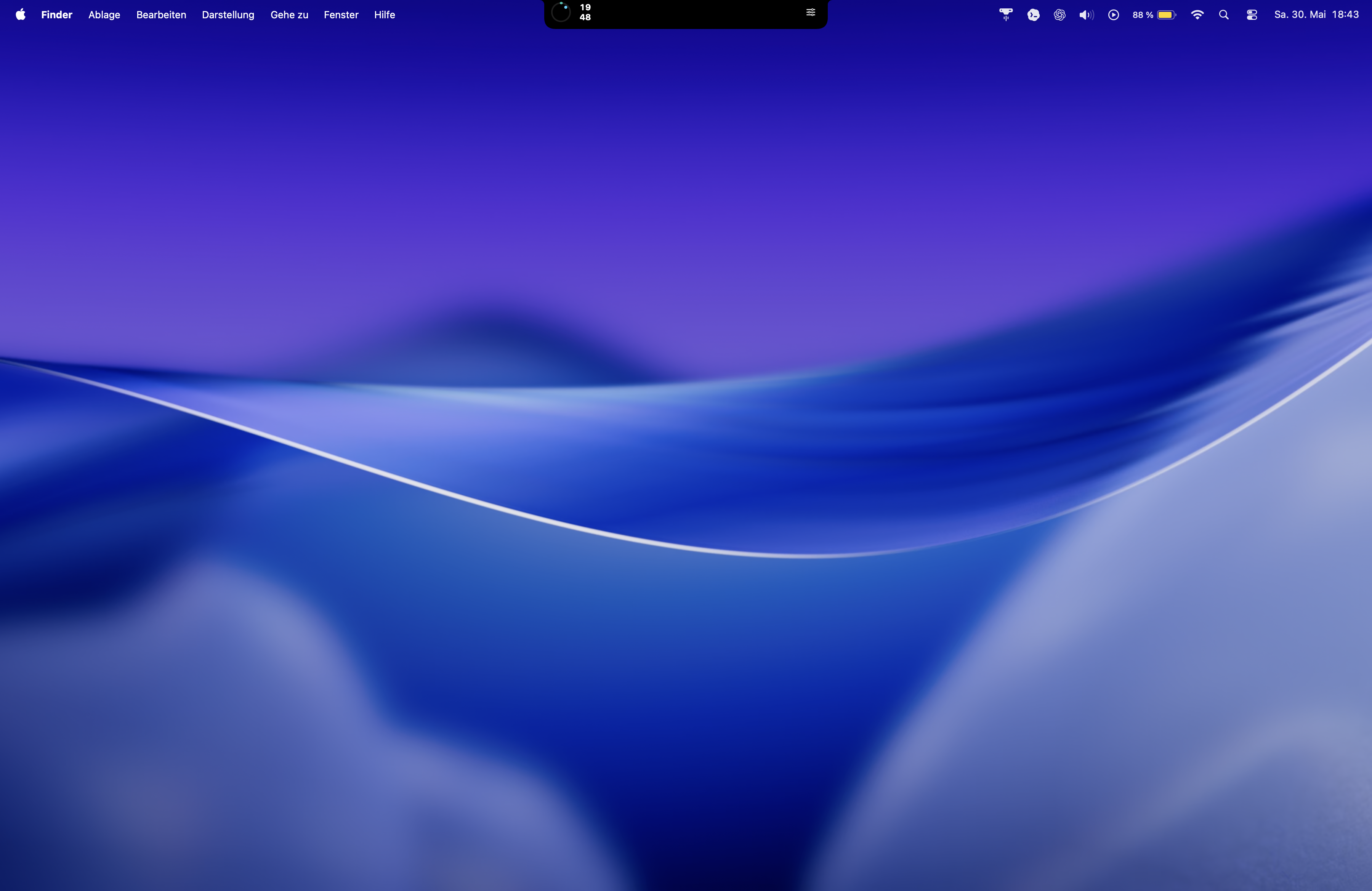
Desktop flow
Window layouts, input remaps, media control, and clipboard history stay close to your work without turning into another dashboard you have to manage.
Pricing
No account is needed for the trial. After 7 days, a one-time license keeps Orvion unlocked on your Mac.
One-time license
Full access after your 7-day trial.
Purchases are processed by Lemon Squeezy as Merchant of Record. Before completing a purchase, review the checkout price, taxes, billing details, payment method, terms, privacy information, and withdrawal or refund information. Terms / License Terms Privacy Policy Imprint
If no license is active after the trial, Orvion pauses the app features. You can still open settings, activate a license, check updates, or quit normally.
FAQ
Yes. The first launch starts a 7-day trial with all features unlocked.
Yes. Orvion is modular, so you can keep your setup focused and turn off tools you do not need.
Only specific features need permissions: Accessibility for window management, Input Monitoring for remapping, Camera for mirror, Calendars and Reminders for widgets, and Automation for supported app control.
Orvion uses Sparkle to deliver signed and notarized app updates.